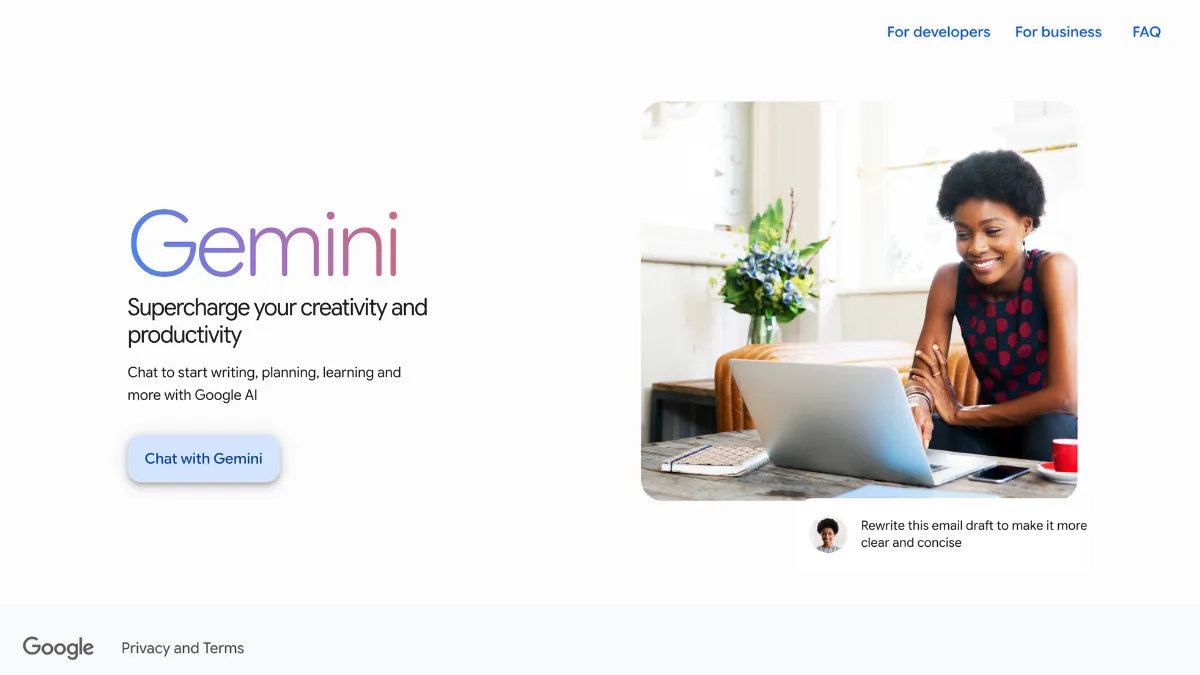
Gemini is Google's AI assistant for text, image, audio, and video, built into the same account you use for Gmail, Drive, Docs, and Search. Unlike ChatGPT or Claude, it does not ask you to sign up for a separate service or import your files, your Google data is already there, and Gemini can draw on it with your permission. That single fact makes it a fundamentally different proposition for anyone who already works inside Google's apps every day.
The free tier runs on Gemini 3.6 Flash and includes voice conversations through Gemini Live, basic image generation, and a limited number of Deep Research sessions per month. Google does route free users to Gemini 3.1 Pro on occasion, though this is dynamic and not user-visible, you cannot always tell which model is answering you. For most everyday tasks, the difference is not noticeable. For complex, multi-step reasoning, it is.
Where Gemini outperforms ChatGPT and Claude
Three areas separate Gemini from its two main rivals. The first is Google Workspace integration. Gemini can read your Gmail threads, summarise your Drive documents, pull agenda items from Calendar, and cross-reference all three in a single response. ChatGPT can connect to third-party tools, but it does not have native read access to Google's products at this level. Claude has no equivalent at all.
The second is the context window. Gemini 3.1 Pro handles 1 million tokens, meaning you can paste an entire codebase, a lengthy legal contract, or a book-length research document and ask questions across the whole thing without hitting a limit. This is genuinely useful for researchers, analysts, and developers working with large files.

The third is multimodal coverage in one place. Gemini handles text, image, audio, and video generation without switching apps. Veo produces AI video, Nano Banana handles image generation, and Gemini Live runs voice conversations in over 45 languages. The combination in a single subscription is hard to match on price.
Gemini's most underrated feature
Deep Research is the feature most people overlook until they try it. Give it a complex research question and it breaks the task into components, searches hundreds of websites, pulls relevant content from your own Gmail and Drive if you grant access, reasons across everything it finds, and returns a structured multi-page report with citations. The process takes minutes rather than hours.
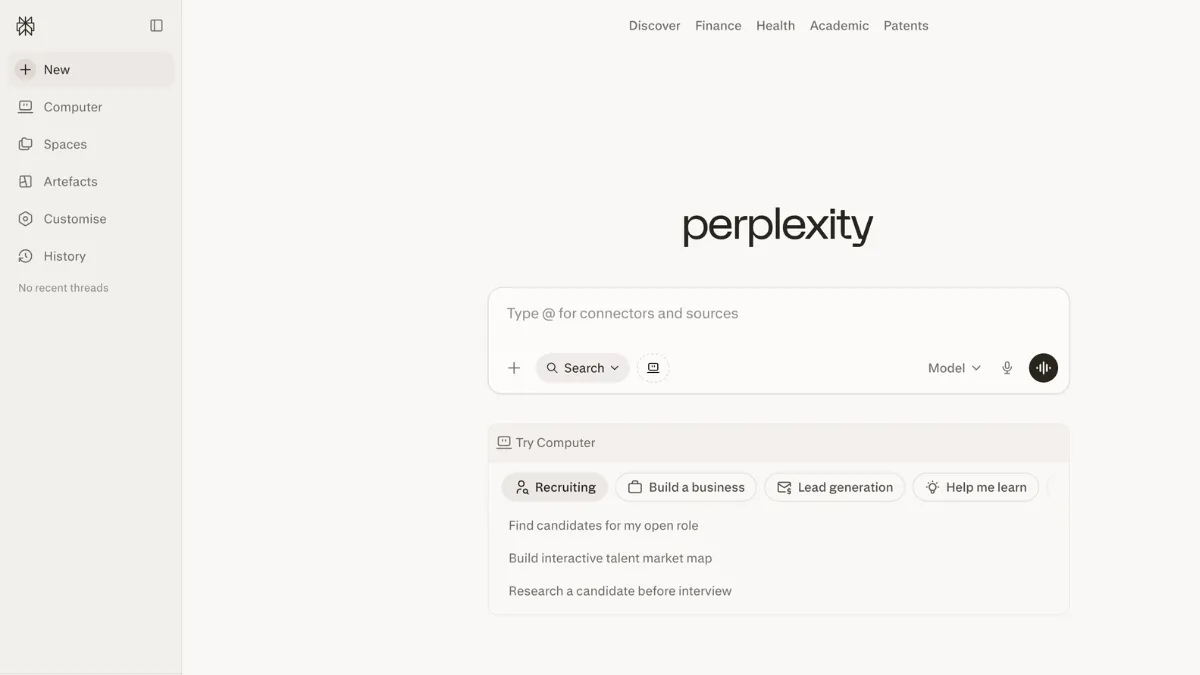
Google offers a limited number of Deep Research sessions free. AI Pro subscribers get 20 per day. The quality difference between a standard Gemini response and a Deep Research report on the same question is significant enough that frequent researchers should factor it into their plan decision. Perplexity does something similar with cited search, but Deep Research goes further into synthesis and document analysis, and it can pull from your own files.
Custom Gems extend this further. A Gem is a saved AI configuration with a specific role, set of instructions, and knowledge base. You can build one for a recurring task, competitive analysis, weekly report drafts, customer email templates, and call it from the sidebar. The setup takes about five minutes and the time saving compounds quickly on repetitive work.
What Gemini does less well than its rivals
The most consistent complaint from real users is instruction drift in long conversations. Gemini tends to lose the thread of established constraints as a session extends. Ask it to write in a specific tone, follow a format, or avoid certain phrases, and it typically does so early in the conversation. Return to the same session an hour later with a follow-up, and it may have drifted. Claude handles this significantly better, its instruction-following across long sessions is its clearest advantage over Gemini for professional writing workflows.
Coding is a second area where Gemini trails. Benchmark performance on hard coding tasks puts Claude and GPT-5.5 ahead in 2026. For everyday coding queries, debugging a function, explaining an error, generating boilerplate, Gemini is capable. For complex, production-level development tasks, the gap is real enough that developers working primarily in code tend to reach for Cursor or Claude rather than Gemini.
Responses on specialised topics can stay surface-level. Users with deep domain expertise in law, medicine, or engineering report that Gemini produces well-structured answers that read confidently but lack the nuance of Claude on the same query. This is less of a problem for general productivity tasks and more of one for professional contexts where accuracy on edge cases matters.
The free tier is better than most people expect
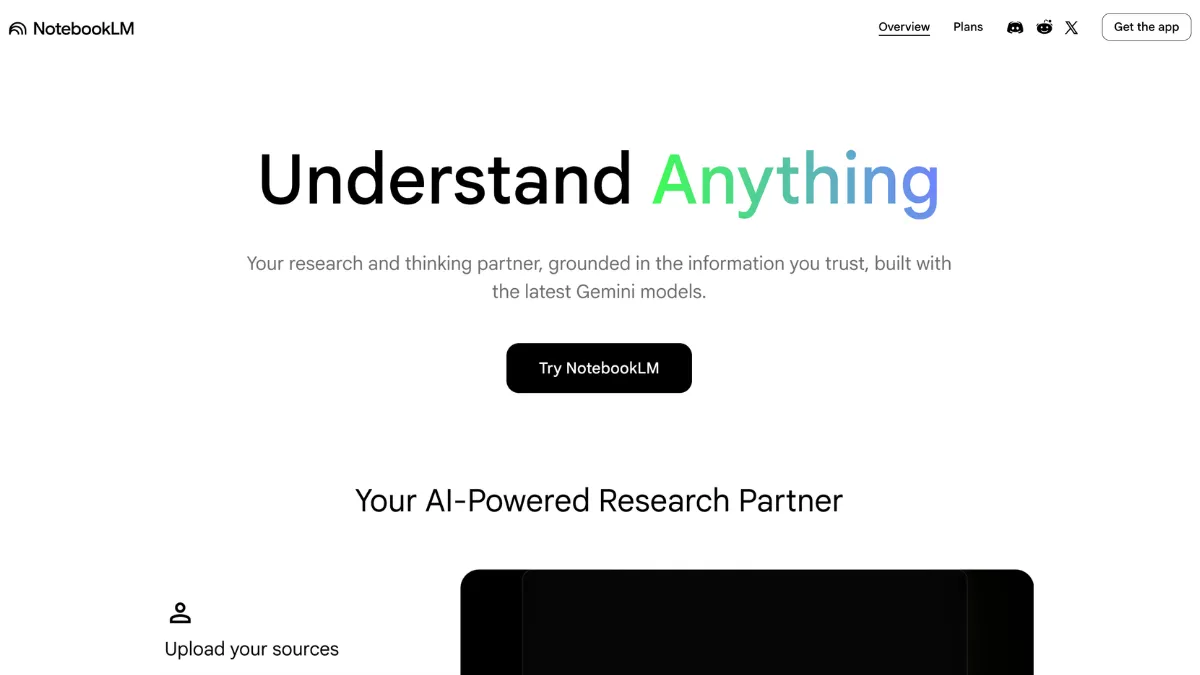
Gemini's free tier includes features that competing tools charge for. Gemini Live voice conversations, basic Nano Banana image generation, and Deep Research access all come at no cost. The NotebookLM integration is also available free, letting you create research notebooks from uploaded documents without a paid subscription.
The gap between free and paid is not as steep as it is with ChatGPT. ChatGPT's free tier uses GPT-4o Mini and restricts most advanced features behind the $20/month Plus plan. Gemini's free tier uses a capable fast model with periodic access to the flagship, includes voice and image tools, and extends to the Google Workspace extensions. For light users or anyone testing the tool before committing, the free tier delivers more than most reviews credit.
Privacy and data handling
Google's data practices are worth understanding before connecting Gemini to your Google account. By default, Gemini conversations are stored and may be reviewed by human reviewers to improve the product. You can turn this off in your Gemini Apps Activity settings, and paid plan users get additional controls. Google holds ISO 42001 certification for AI management, which provides a verified baseline for enterprise users.
The more meaningful privacy question is what happens when you grant Workspace extensions access to Gmail and Drive. Gemini reads content from those sources to answer your queries; this processing happens in Google's infrastructure under your account's standard data terms. Teams handling sensitive client data or operating under GDPR should review the data processing terms before enabling Workspace extensions, particularly in the EU where regulatory proceedings remain active.
- Conversation data: stored by default; can be disabled in Gemini Apps Activity settings
- Workspace extension access: reads Gmail, Drive, and Calendar content on request
- Data residency: processed in Google infrastructure; EU DMA proceedings may affect feature availability in European markets
- Certification: ISO 42001 AI management certification held
Gemini pricing: every plan explained
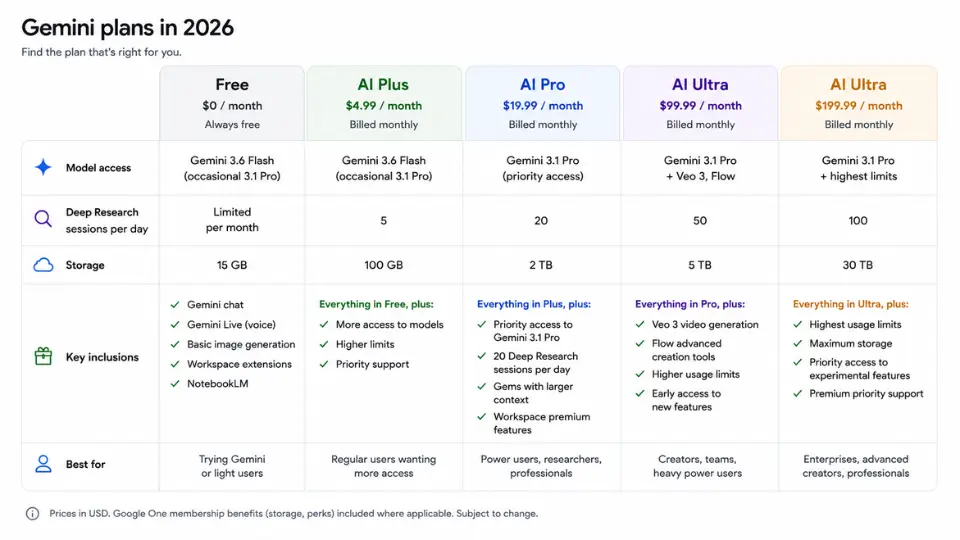
Google restructured its consumer plans at I/O 2026, cutting the top-tier price from $249.99 to $99.99 and adding a $4.99 entry plan. The current ladder:
- Free: Gemini 3.6 Flash, periodic Gemini 3.1 Pro access, Gemini Live voice, basic image generation, limited Deep Research
- AI Plus - $4.99/month: expanded limits on the fast model, more image generation credits, priority access during peak hours
- AI Pro - $19.99/month: Gemini 3.1 Pro, 20 Deep Research sessions per day, custom Gems, 5TB Google One storage, Gemini in Workspace apps at full capacity
- AI Ultra - $99.99/month: Gemini 3.1 Pro at highest limits, Gemini Spark agentic features (US only), 20TB storage, YouTube Premium, $100/month Google Cloud credits
- AI Ultra - $199.99/month: same as above with 20x the Pro-tier usage limits
For business teams, Gemini is bundled into Google Workspace plans rather than sold separately. Business Standard at $14 per user per month is the minimum tier for full Gemini integration across all Workspace apps. There is no standalone business subscription.
One non-obvious cost to flag for developers using the API: thinking tokens are billed as output tokens at output rates. On Pro models, input costs $2.00 per million tokens and output costs more. A session that triggers extended reasoning will produce a bill noticeably higher than the pricing page implies. Flash-Lite at $0.10 per million input tokens is the entry point for high-volume, lower-complexity workloads.
Is Gemini worth it compared to ChatGPT?
At the $19.99/month tier, AI Pro and ChatGPT Plus cost the same. AI Pro includes 5TB of Google One storage, which costs around $9.99/month on its own. If you already pay for Google One, the effective cost of the AI features alone is closer to $10/month. That makes AI Pro the better value purchase for most users at this price point, purely on storage bundling.
The capability comparison is more nuanced. ChatGPT leads on cross-conversation memory, it recalls preferences and past context across separate sessions in a way Gemini does not match. ChatGPT's Custom GPT ecosystem with over 3 million community-built tools also has no Gemini equivalent. Gems are powerful but limited to what you build yourself.

For Google Workspace users, Gemini is the stronger choice. For people who use third-party tools, need mature persistent memory, or do heavy coding work, ChatGPT or Claude is more likely to fit. Neither answer is universally correct, the deciding factor is which ecosystem you actually live in.
Who should use Gemini, and who should not
Gemini makes the most sense for:
- Daily Gmail, Drive, and Docs users who want AI to work across those files without manual imports
- Researchers and analysts who process long documents and need Deep Research for multi-source synthesis
- Teams already on Google Workspace, where Gemini is bundled into existing plan costs
- Anyone on the free tier who wants voice, image, and research tools without a subscription
Gemini is a harder sell if:
- Coding is your primary use case - Claude and GPT-5.5 lead the hardest benchmarks
- You need reliable instruction-following across long, multi-session workflows - Claude holds constraints more consistently
- You rely on third-party integrations - ChatGPT's Custom GPT library is substantially larger than Gems
- You work outside Google's ecosystem entirely - the integration advantage disappears
AI Pro at $19.99 is the right entry point for most serious users. The storage bundle alone justifies the cost for existing Google One subscribers, and 20 Deep Research sessions per day covers most research workflows without hitting the ceiling. The free tier is worth trying before paying, it delivers more than the price suggests, and the gap to Pro is real but not urgent for light use. Google Drive users in particular will find the Workspace extensions make the upgrade feel immediate.
How We Rated It:
More Tool Reviews


Subscribe to Stay in the loop
Get the latest AI and technology news, honest tool reviews, and practical guides delivered straight to your inbox.
Success! Check your Inbox!

Tezons Newsletter
The latest technology news, in-depth tool reviews, and practical guides - curated and delivered to your inbox.
Latest News




Have a question?
Have any questions?
Didn’t find what you were looking for? We’re just a message away.