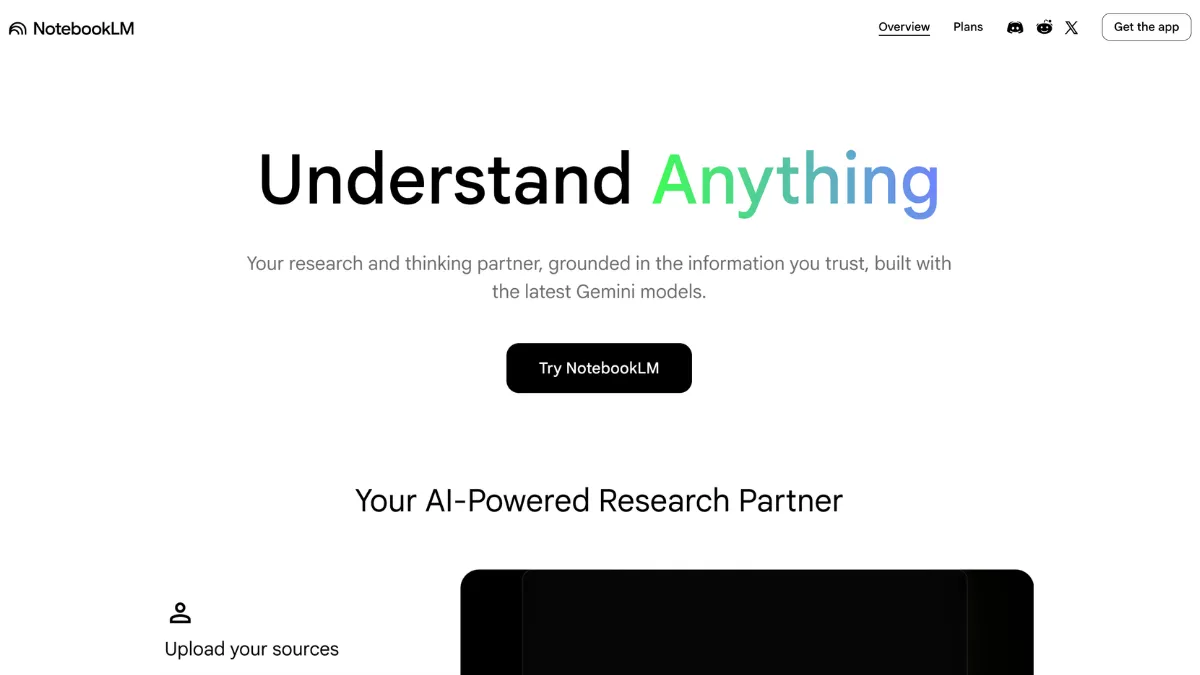
NotebookLM is Google's AI research assistant, and it occupies a different position in the market from every general-purpose AI tool you have probably already tried. ChatGPT, Claude, and most AI assistants answer from everything they were trained on. NotebookLM answers only from documents you upload. You supply the sources, whether PDFs, Google Docs, YouTube videos, audio files, or website URLs, and the tool confines every response to that material. Each answer includes inline citations that link to the exact passage in the original document. That is the whole product, and it is the right choice for a specific kind of user: anyone who needs verifiable research on specific documents rather than fluent answers from a broad training set. It is not right for everyone, and the review below explains exactly where it earns its score of 4.21 out of 5 and where it hits walls.
What NotebookLM does that other AI assistants don't
Most AI assistants can hallucinate. They produce confident, well-structured answers that contain fabricated facts, because they are optimised for fluency rather than accuracy on specific sources. NotebookLM solves this by architectural design rather than prompt engineering. The model cannot supplement your sources with outside knowledge, so a fabricated claim from outside your uploaded materials is structurally impossible. For professional research, client work, or any context where you need to trace where an answer came from, that constraint is a feature rather than a limitation.
The mechanism is retrieval-augmented generation scoped to your content. You create a notebook, add sources, and the tool indexes them using Google's Gemini models. From that point, every question, summary, and output draws only from that indexed set. The free tier allows 50 sources per notebook across up to 100 notebooks. Clicking an inline citation takes you to the exact passage in the original document, not to the document title or a general section. Fact-checking a cited answer takes seconds rather than a manual re-read.
The Studio panel extends this into one-click outputs: briefing documents, study guides, structured FAQ lists, timelines, mind maps, Audio Overviews in podcast format, and Video Overviews with narrated slides. Audio Overviews produce a two-host conversational summary of your source materials. They remain the most differentiated output format in the category. A researcher who uploads ten earnings calls can generate a comparative Audio Overview in under a minute. Listening to that overview on the way to a meeting is a meaningfully different workflow from reading ten transcripts the night before.
The features that make source-grounded research faster
- Source-grounded chat with inline citations. Ask questions in natural language and receive answers drawn exclusively from your uploaded documents. Each answer includes a clickable citation linking to the exact passage in the source. The hallucination risk that affects general AI assistants is not present here, because the model has no access to outside knowledge. This makes the output reliable enough to reference in client reports, presentations, or formal analysis without re-reading every source independently.
- Audio Overviews. One click generates a podcast-style conversation between two AI hosts summarising your source materials. The output is downloadable as an audio file. On paid tiers, tone and length are customisable. A note on quality: Audio Overviews occasionally flatten nuanced technical arguments into slightly simplified narratives. For dense specialist material, treat the overview as orientation rather than a substitute for reading the source directly.
- Studio output formats. The same source set produces study guides, briefing documents, FAQ lists, timelines, and mind maps from a single interface. Mind mapping, added in late 2025, surfaces conceptual connections across uploaded documents in a visual format that text output does not replicate. The PPTX export feature, introduced in early 2026, converts research directly into presentation slides without leaving the tool.
- Deep Research. Available across all tiers, Deep Research runs a multi-step analysis across your source set and produces a structured report rather than a single conversational answer. For analysts synthesising findings from large document collections into a coherent output, this replaces the manual step of constructing an argument from annotated notes.
- Shared notebooks. Notebooks can be shared with other Google account holders, allowing collaborators to query the same source set independently. There is no commenting, task tracking, or version history comparable to Notion or Airtable. The collaboration value is specifically in shared source access and parallel research on common materials.

Where NotebookLM falls short
The notebook isolation issue is the most significant structural gap. Concepts, sources, and queries in one notebook are invisible to every other. A long-running research project that spans multiple source collections has no cross-notebook search, no unified view, and no emergent connections between notebooks. This is an architectural decision, not a setting you can change. If your research grows beyond a single focused question, you will manage that complexity yourself, outside the tool.
Export portability for chat threads is poor. You can copy individual responses, but citations do not carry over as working links when pasted elsewhere. There is no way to package a multi-thread research session into a shareable document with intact source references. For teams whose output is a structured document with traceable citations, the final step still requires manual reconstruction outside NotebookLM.
There is no API and no third-party integrations. Every source upload and every interaction requires a manual browser session. Users who want NotebookLM to connect to Zapier, Obsidian, or any non-Google tool have no path to that currently. The platform integrates natively with Google Drive, Docs, Slides, and Sheets. Apple Notes, Obsidian, and other knowledge tools require manual export and re-upload each time you want to bring content across.
Source quality has a direct effect on output quality that many users only discover after frustration. A notebook built from a focused set of well-structured primary documents produces sharper, more useful outputs than one filled with loosely related web pages or partially relevant PDFs. The most effective NotebookLM users treat source curation as the primary skill, not an afterthought. Upload deliberately, start with a briefing document to map what the tool knows, and query specifically rather than broadly. Open questions like "summarise everything" produce weaker results than narrow ones like "what does source 3 say about pricing in Q3".
NotebookLM does not format citations to academic standards. The inline citations show you the source passage but do not generate references in APA, MLA, Chicago, or any other academic style. Researchers writing formal papers still need a reference manager alongside this tool. It is also not a writing assistant: if you need AI help to draft, edit, or generate content rather than analyse existing documents, Jasper, Copy.ai, or Grammarly address that need more directly.
NotebookLM pricing: what the free tier gives you
Most tools restrict their best features to paid tiers. NotebookLM does not. The free plan includes every core capability:
- Free (Google account required): 50 sources per notebook, up to 100 notebooks, full access to Audio Overviews, Video Overviews, Deep Research, mind mapping, and PPTX export. No time limit. Most individual users doing regular research will not hit these limits for months.
- Google AI Pro (around $19.99 per month, US pricing): Includes NotebookLM Pro plus Gemini Advanced, 2TB of Google storage, and Gemini integration across Gmail and Docs. Pro raises the per-notebook source limit to 300 and expands notebook capacity to 500, plus adds response style customisation and notebook analytics. The feature difference from free is primarily quantitative rather than qualitative.
- Google Workspace Standard (from $14 per user per month): Includes NotebookLM Plus for enterprise teams, with data residency options and admin controls suited to organisations with compliance requirements.
- Ultra ($249.99 per month): Highest limits and access to Cinematic Video Overviews. Positioned for heavy institutional use.
The cost-efficiency case for the free tier is strong. Upgrade to Pro only when you are consistently hitting the 50-source cap or running into daily Audio Overview generation limits. The analytics and customisation features that come with Pro are useful additions but rarely the deciding reason to pay. For most individual researchers and small teams, the free tier runs out of ceiling far later than expected. Always verify current pricing at notebooklm.google/plans, as tier structure has changed several times as Google's AI subscription model develops.
NotebookLM vs ChatGPT, Notion AI, and Perplexity
ChatGPT with file uploads is the most direct comparison for document-based querying. The key difference is not capability breadth but source behaviour. ChatGPT can supplement your uploaded content with its training data, which makes it more flexible for generative work but less reliable for research where provenance matters. If you upload a report and ask a specific question, ChatGPT may blend information from the report with its general knowledge without making that mixing visible. NotebookLM cannot do that. For research contexts where a cited answer you can trace is worth more than a fluent answer you cannot, NotebookLM is the stronger choice. For open-ended content generation and broader task coverage, ChatGPT has the wider range. The two tools address different problems and suit different moments in a research workflow.
Notion AI is a different category. It assists within your existing Notion workspace: summarising pages, generating content, and answering questions about material you have already structured there. It is a workspace tool with AI layered on top, not a dedicated research tool built from the ground up. Choose Notion AI if your documents already live in Notion and you want AI assistance within that environment. Choose NotebookLM when your research involves external documents from multiple file formats and sources that do not already live in a single platform. The distinction matters because the two tools are often listed as alternatives when they serve different purposes entirely.
Perplexity AI sits at the opposite end of the grounding spectrum: it queries the live web in real time and cites sources from that search. NotebookLM excels on your private documents; Perplexity excels on current public information. The two are complementary rather than competing. A practical pattern is using Perplexity to identify and read relevant public sources, then uploading those sources into NotebookLM for deeper analysis with citations you can trace. That two-step workflow produces both currency and precision, where neither tool alone delivers both. For research that combines private materials with current public context, running both tools in parallel is more effective than choosing between them.

NotebookLM is not suited to every researcher. If your workflow requires programmatic access, automated pipelines connecting to non-Google tools, formal academic citation formatting, or a writing assistant rather than a research one, the tool hits walls quickly. For those use cases, the combination of a reference manager, a dedicated writing tool, and a broader AI assistant covers the gaps. But for the specific task of interrogating your own documents quickly and with full traceability, the free tier matches or outperforms every paid alternative in the category. The decision to upgrade should wait until the 50-source-per-notebook limit is a routine constraint, not a theoretical one. Start with the free tier, curate your sources carefully, and build the habit of querying specifically. The tool rewards that discipline.

How We Rated It:
More Tool Reviews




Subscribe to Stay in the loop
Get the latest AI and technology news, honest tool reviews, and practical guides delivered straight to your inbox.
Success! Check your Inbox!

Tezons Newsletter
The latest technology news, in-depth tool reviews, and practical guides - curated and delivered to your inbox.
Latest News




Have a question?
Have any questions?
Didn’t find what you were looking for? We’re just a message away.